Direct Mode
Direct mode builds a semantic model on the tables you already have — existing data marts, read replicas or operational tables — and publishes it. Nothing is transformed and no dbt code is written.
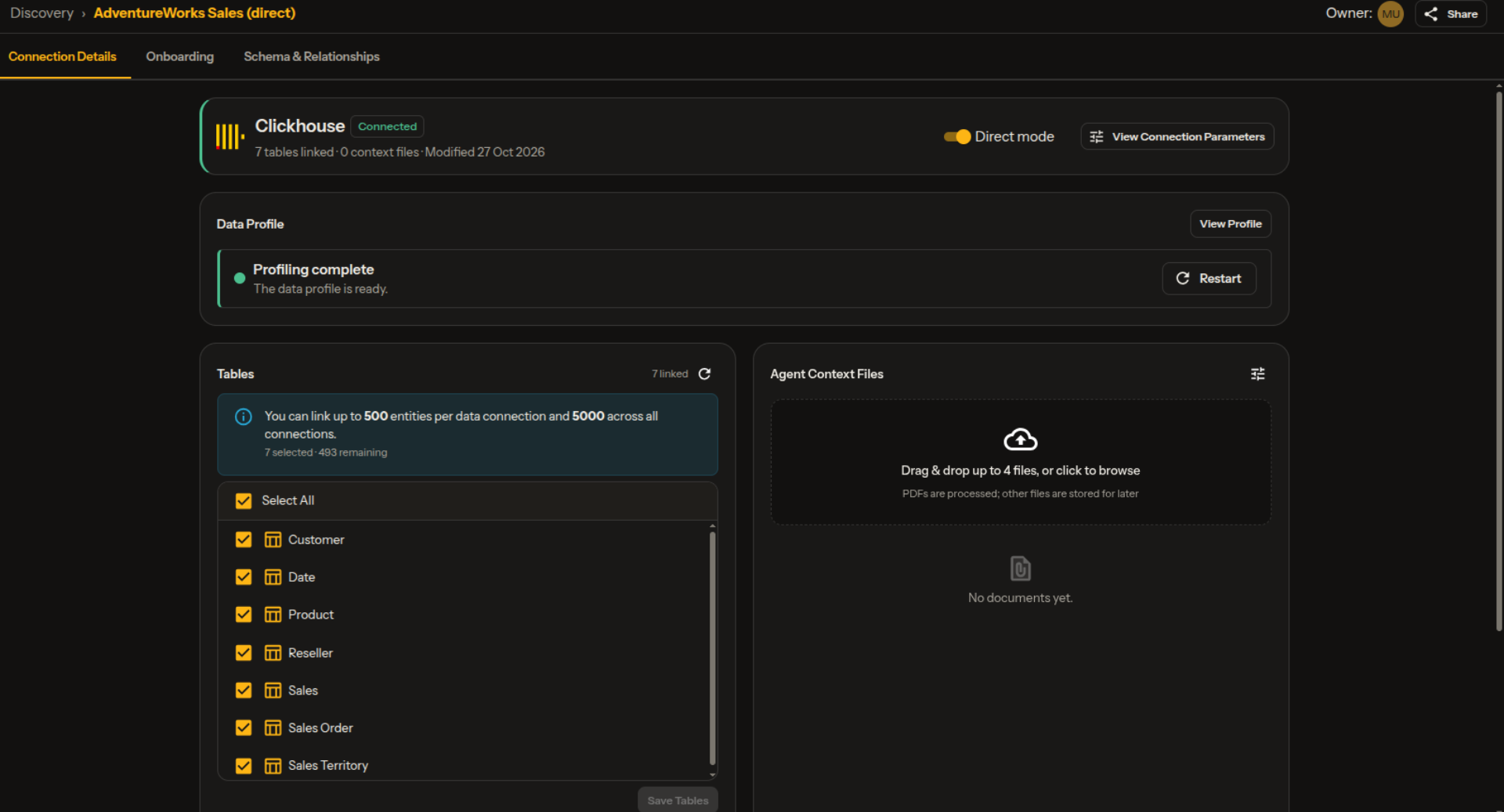
A connection with Direct mode turned on, profiled and ready.
When to Use It
| Use direct mode when… | Use the standard flow when… |
|---|---|
| Your marts are already built and trusted | The data needs cleaning, joining or reshaping first |
| You want a semantic layer on top, fast | You want ekai to design and build the marts |
How It Works
A direct model has fewer tabs than a standard one — there is no Data Transformation stage:
| Tab | What happens |
|---|---|
| Model Details | Name, requirements, connection, context files |
| Business Requirements | The requirements interview |
| AI Modeling | Builds, validates and publishes the semantic model |
| Code Sync | Download or sync the artifacts |
1. Turn On Direct Mode
Switch on Direct mode when you add the connection, or later from the connection's details page.
Some sources only run in direct mode. For those, the switch is on and locked.
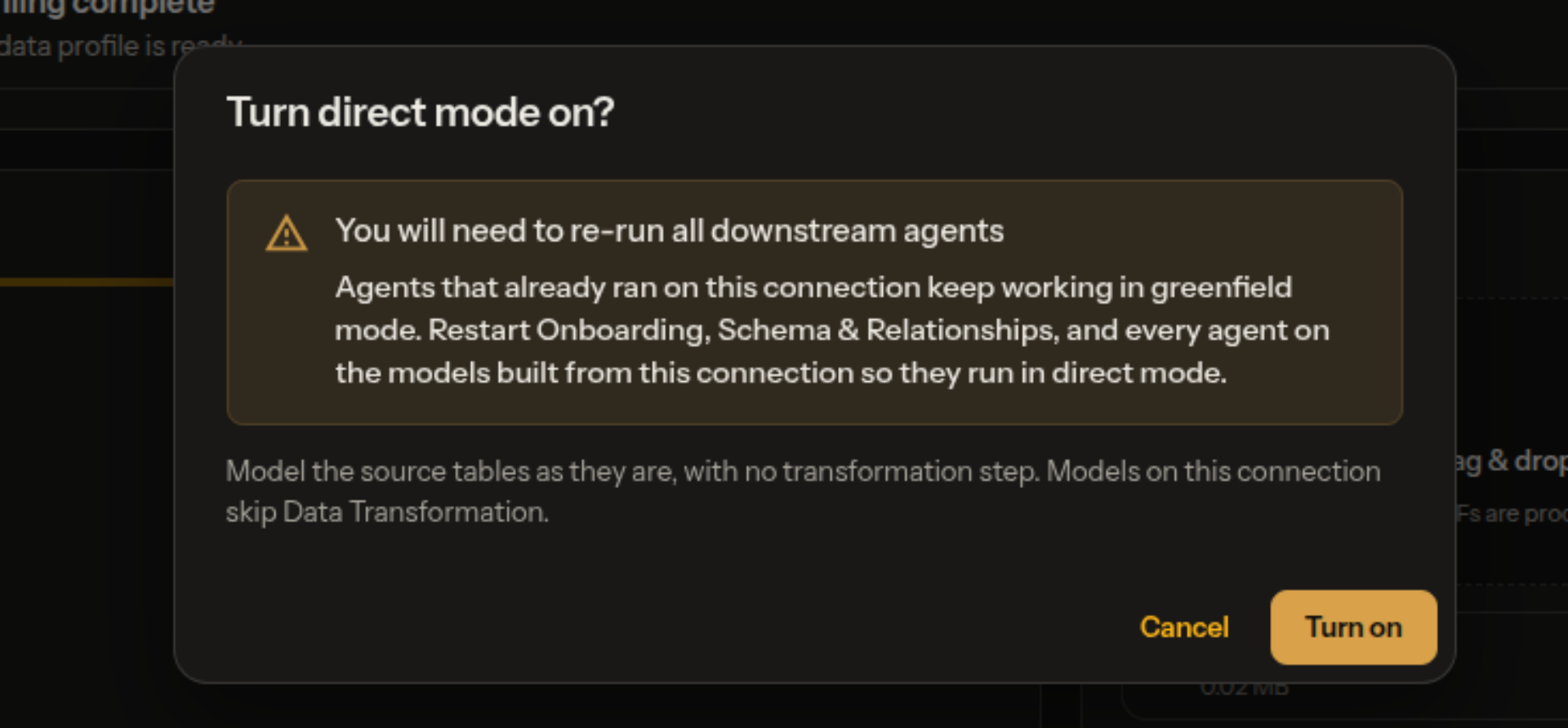
Agents that already ran on a standard connection keep working in the standard flow. After turning on direct mode, restart Onboarding, Schema & Relationships and every agent on the models built from that connection, so they run in direct mode.
2. Discovery and Requirements
Discovery, creating the model and the Business Requirements interview work the same as in the standard flow. Both know there is no transformation, so they never ask about building or reshaping tables.
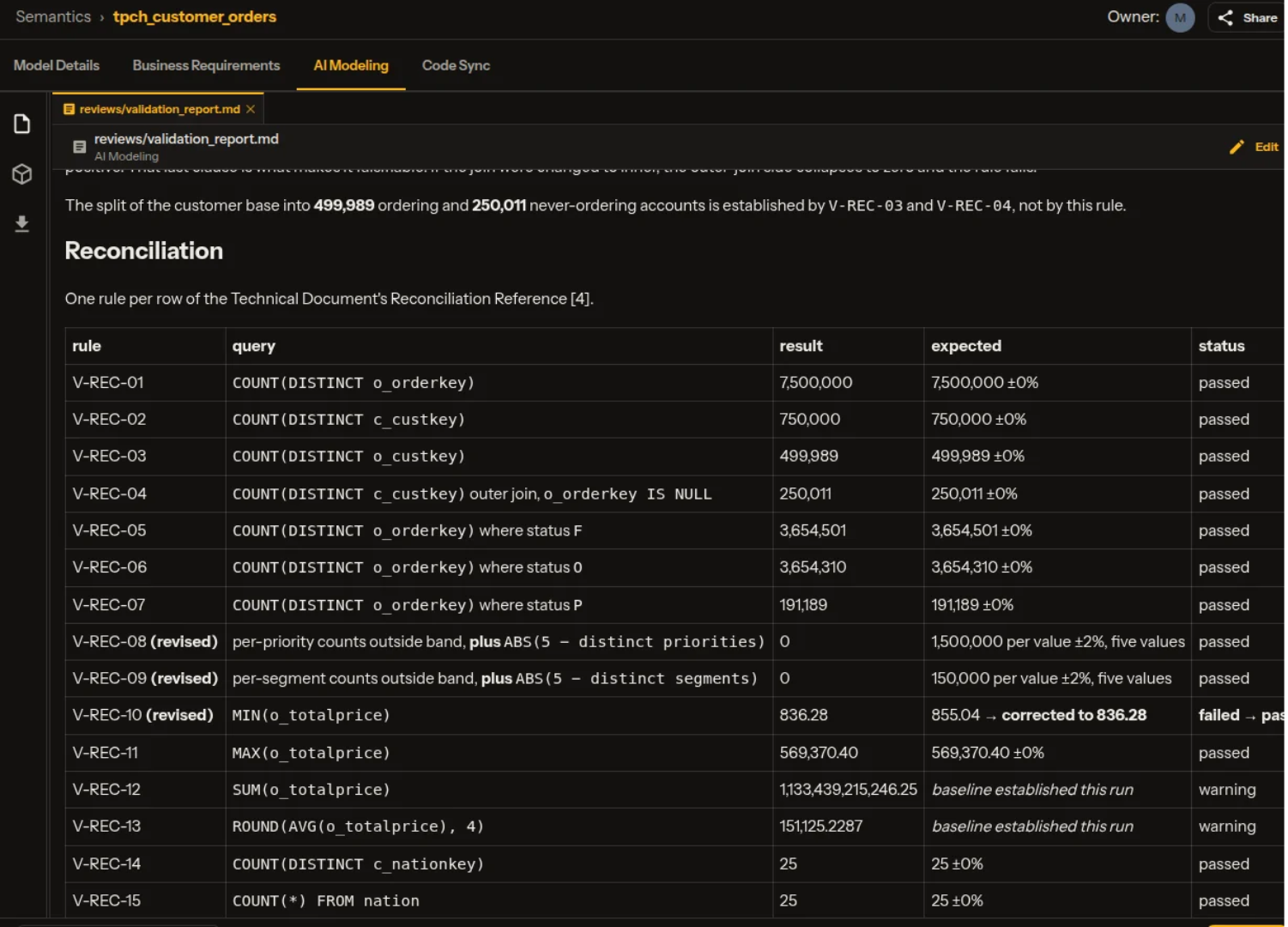
The interview also asks for reconciliation figures: a few headline numbers from your own reports, for two periods. With no build step, these are how the model is checked.
Paste or upload a report you already use. One report usually answers every figure at once.
3. Validate, Publish and Ask
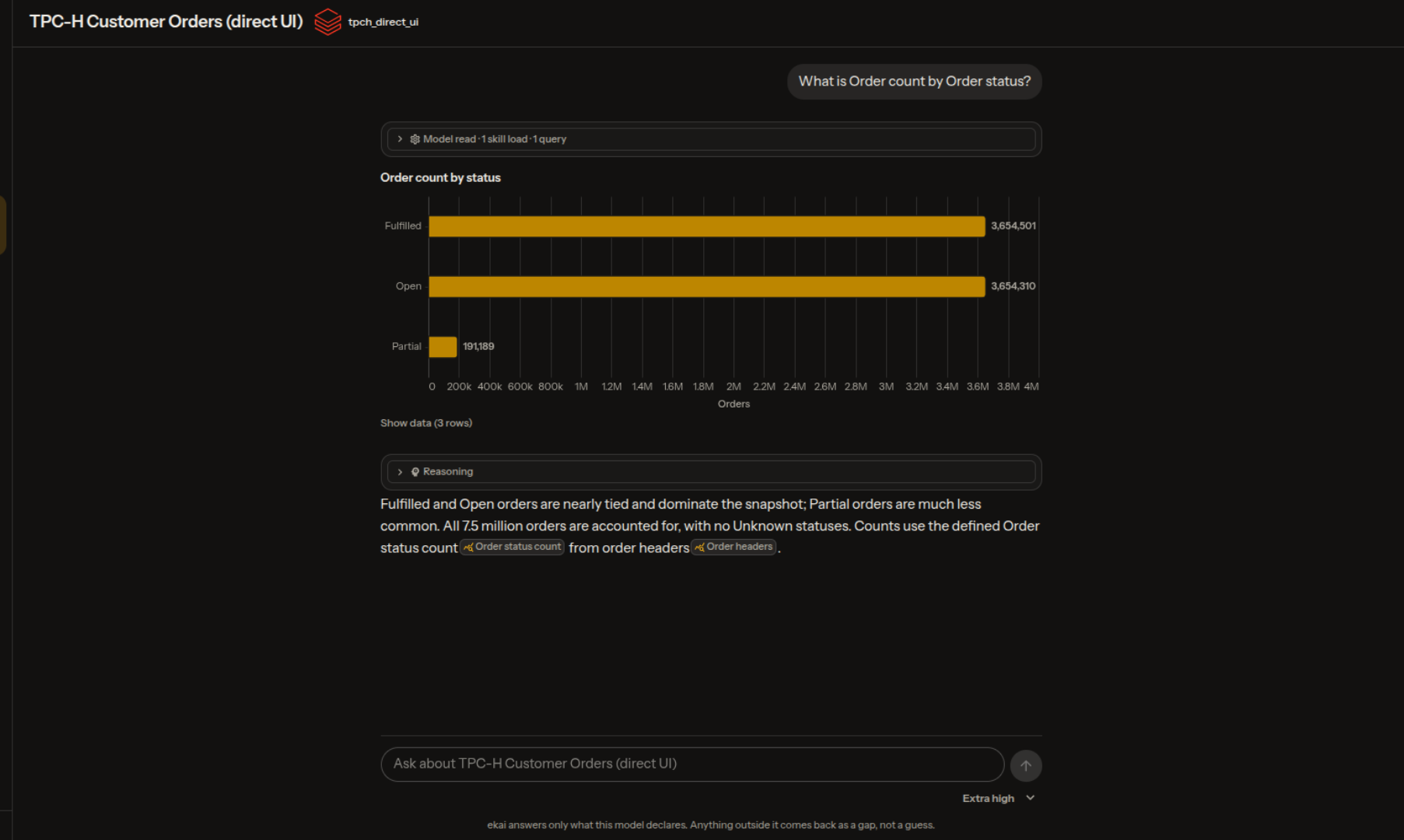
AI Modeling builds the semantic model on your tables as they are, checks it against your validation rules and reconciliation figures, then publishes it to your platform. Once published, ask questions of it in Ask Agent.
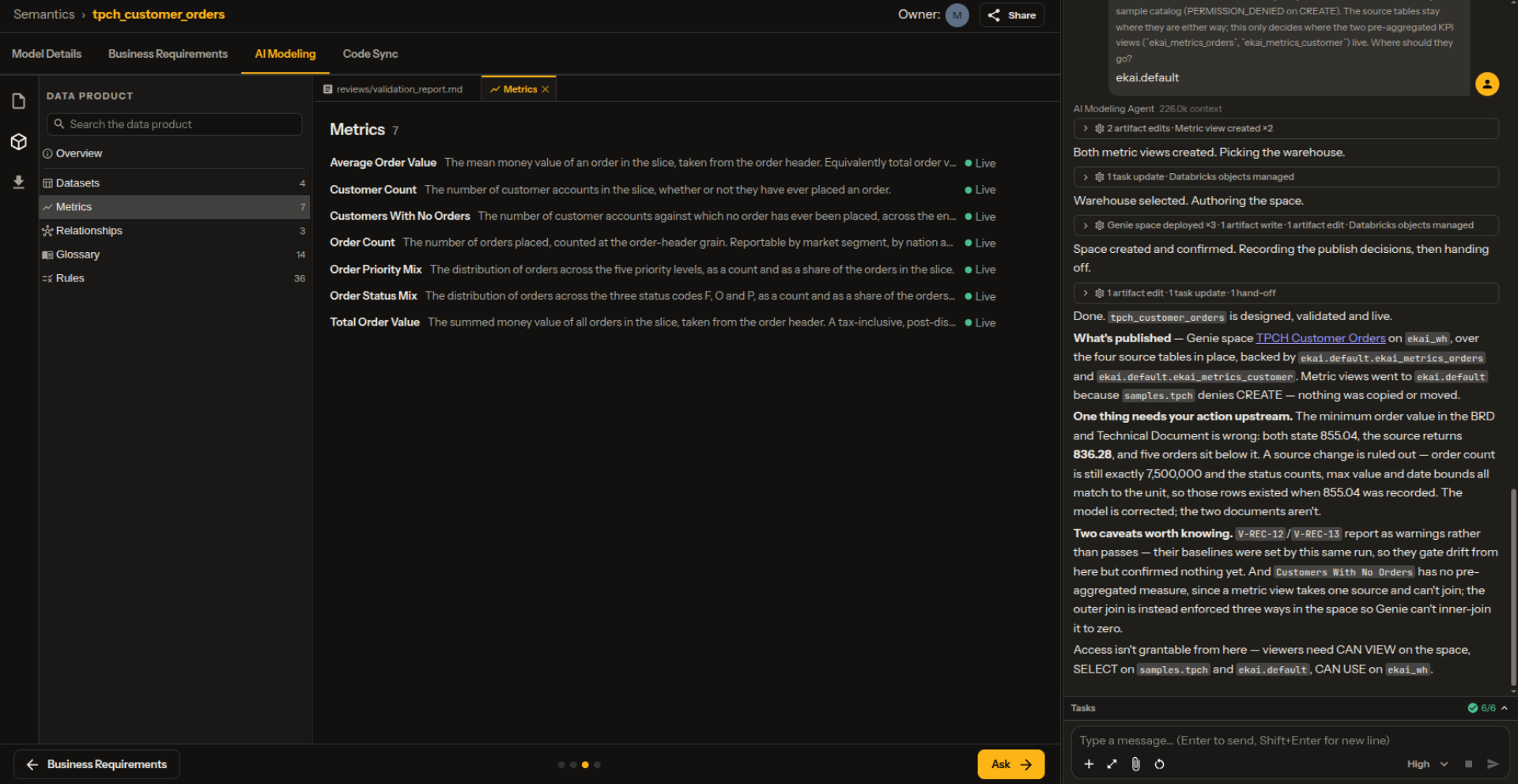
A data problem in a source table can't be cleaned away in direct mode. The model works around it instead — for example, by filtering out bad rows — and tells you what it found.