Code Sync
Sync your generated DBT project to Git repositories for version control, collaboration, and CI/CD integration.
Supported Platforms
| Platform | How you connect |
|---|---|
| GitHub | Repo URL + access token |
| Bitbucket | Repo URL + access token |
| GitLab | Repo URL + access token |
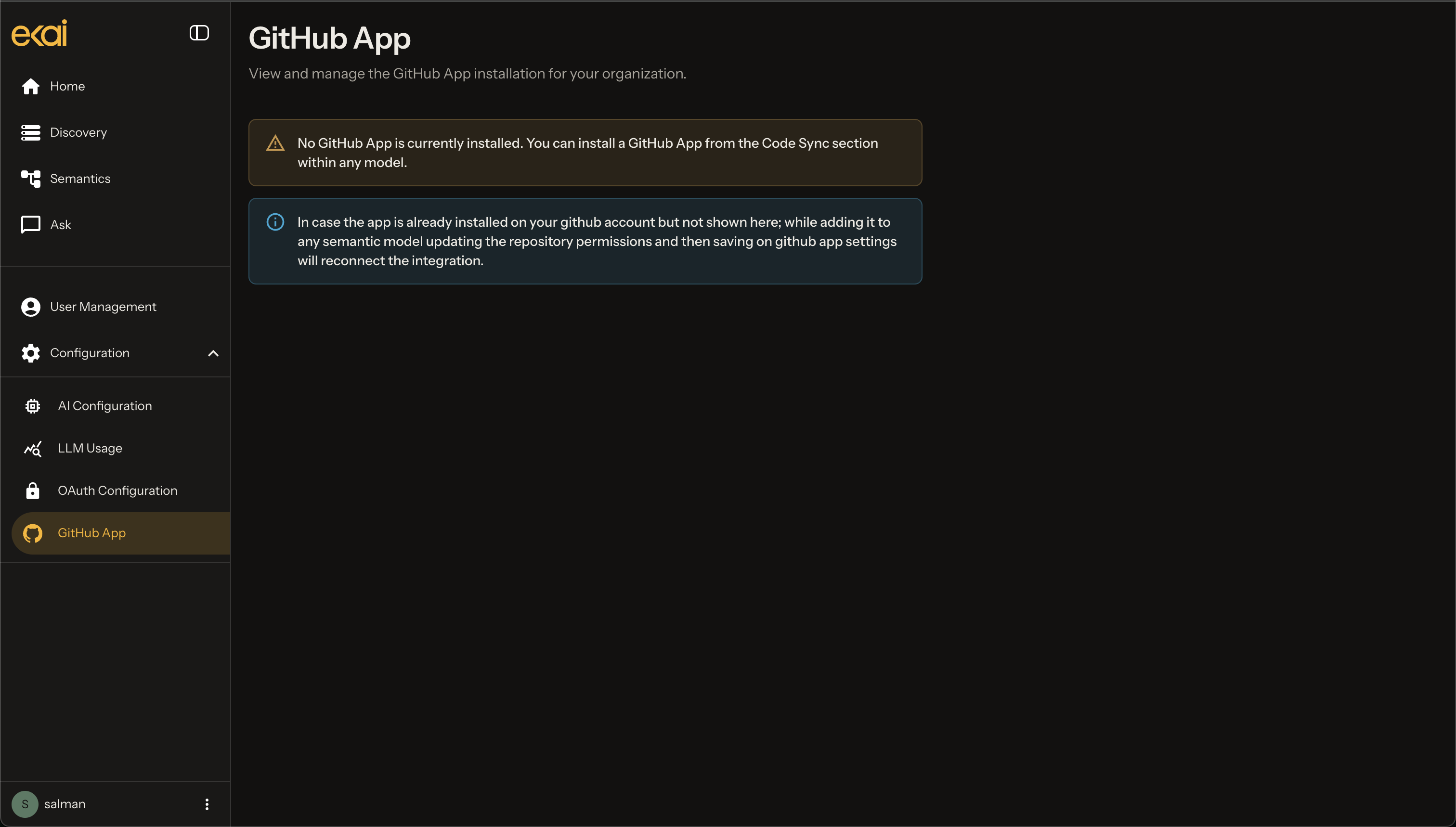
| GitHub App | UI-based install — convenience only; same outcome as token auth |
Token-based options follow standard practice: a repo identifier/URL plus a platform access token. GitHub App is purely UI-based and is only a convenience.
Connect and push
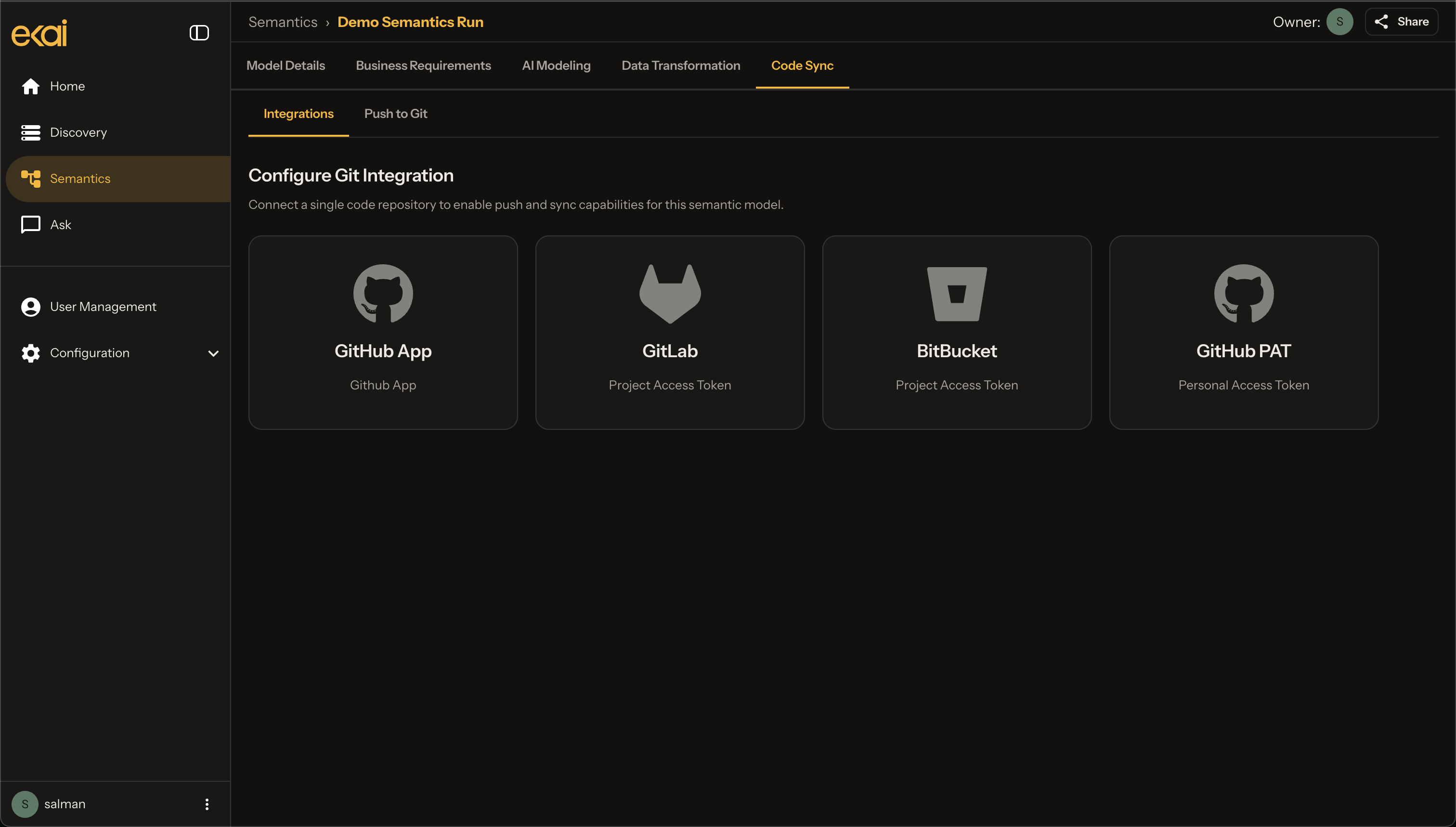
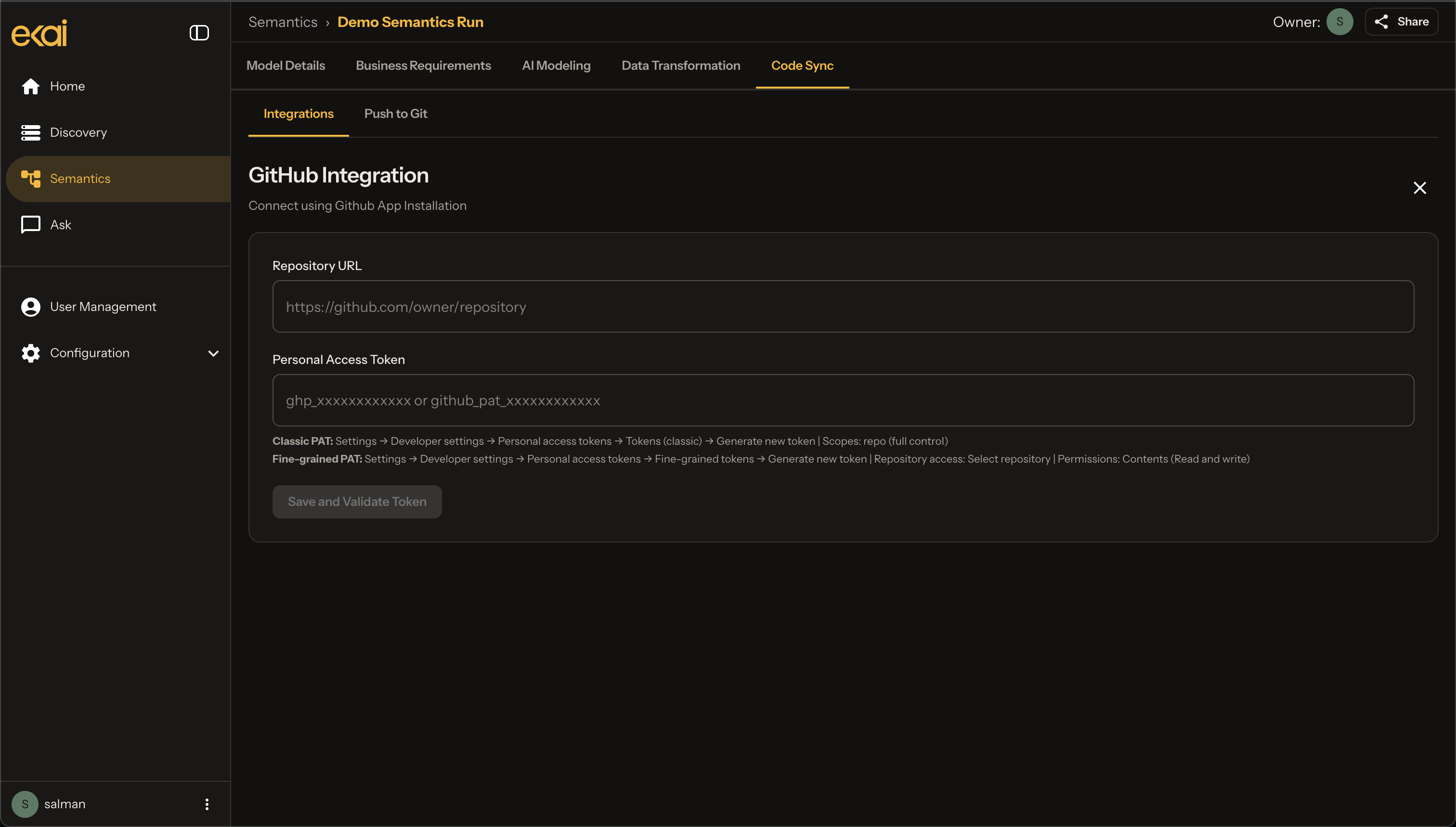
- Connect a repo — Choose GitHub, Bitbucket, GitLab, or GitHub App.
- Enter credentials — Provide the repo identifier/URL and access token (skipped for GitHub App).
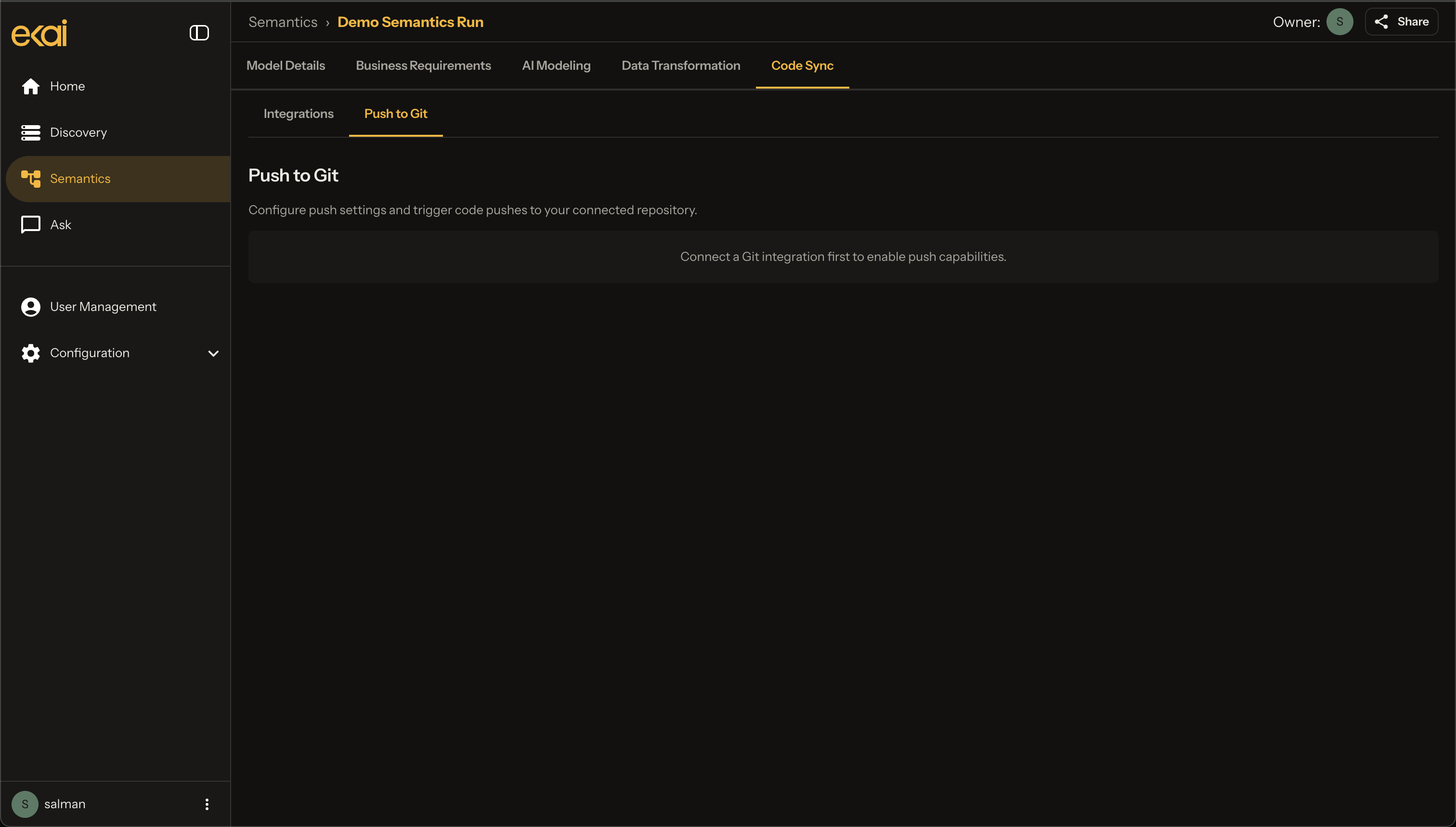
- Push to Git — After a repo is attached, Push To Git lists available repos so you can publish the dbt project to your VCS.
- Manage connection — Open configurations to manage or disconnect an attached repo.
Sync features
Push to Git
Push the generated DBT project to your repository with meaningful commits.
Pull from Git Coming soon
Pull external changes back into ekai and merge team contributions.
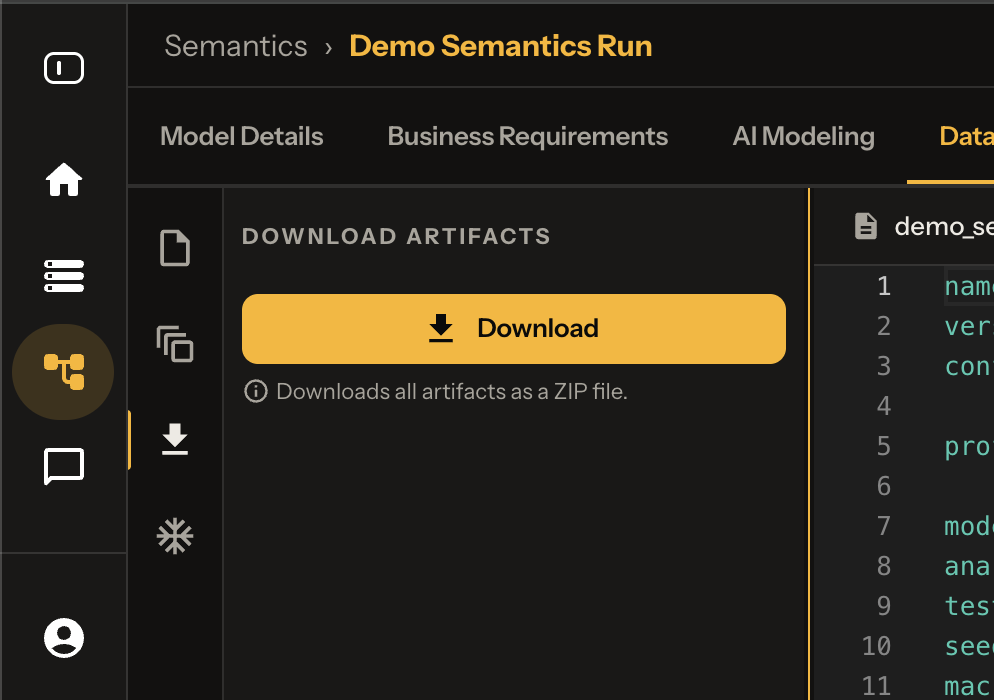
Download package
The artifacts panel exposes a Download tab with a download button. Use it to export your semantic run’s code package along with other data products and artifacts (including lineage).
Next Steps
- Publish — Publish agents and semantic objects
- Execute DBT — Build and run in your warehouse