Prerequisites
Before you install ekai, sign up for a trial and confirm the tools you need for your chosen path.
Sign up and licensing
Open the ekai licensing portal and start your 14-day free trial:
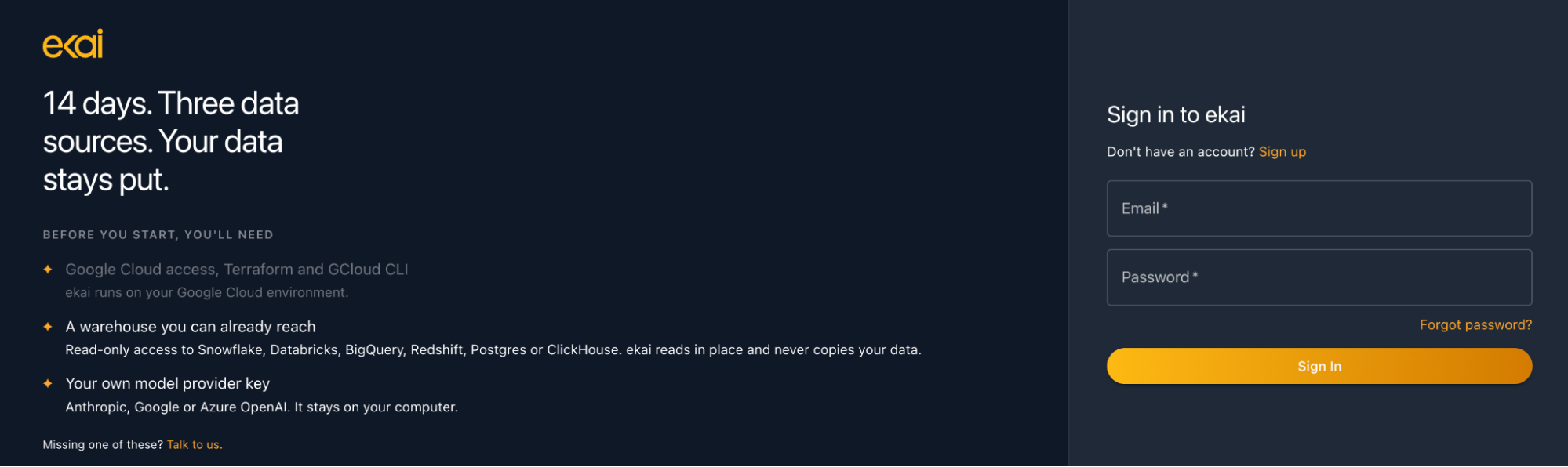
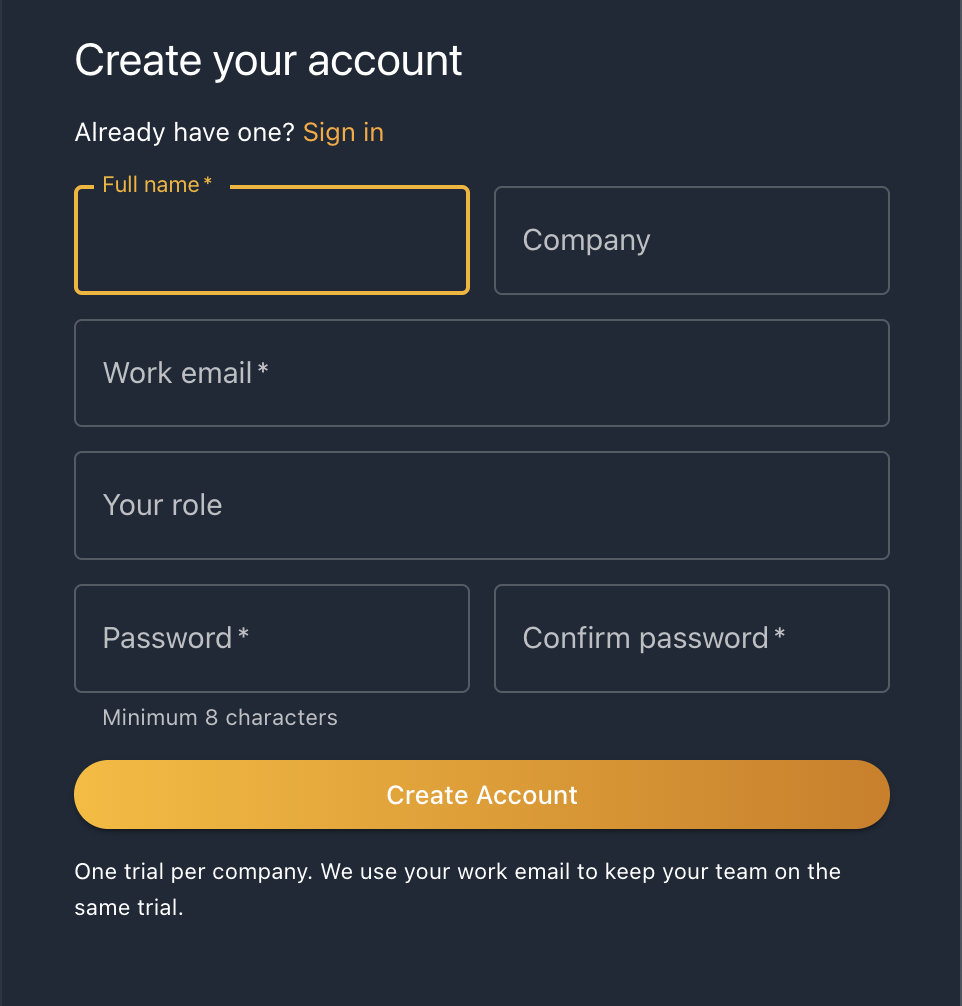
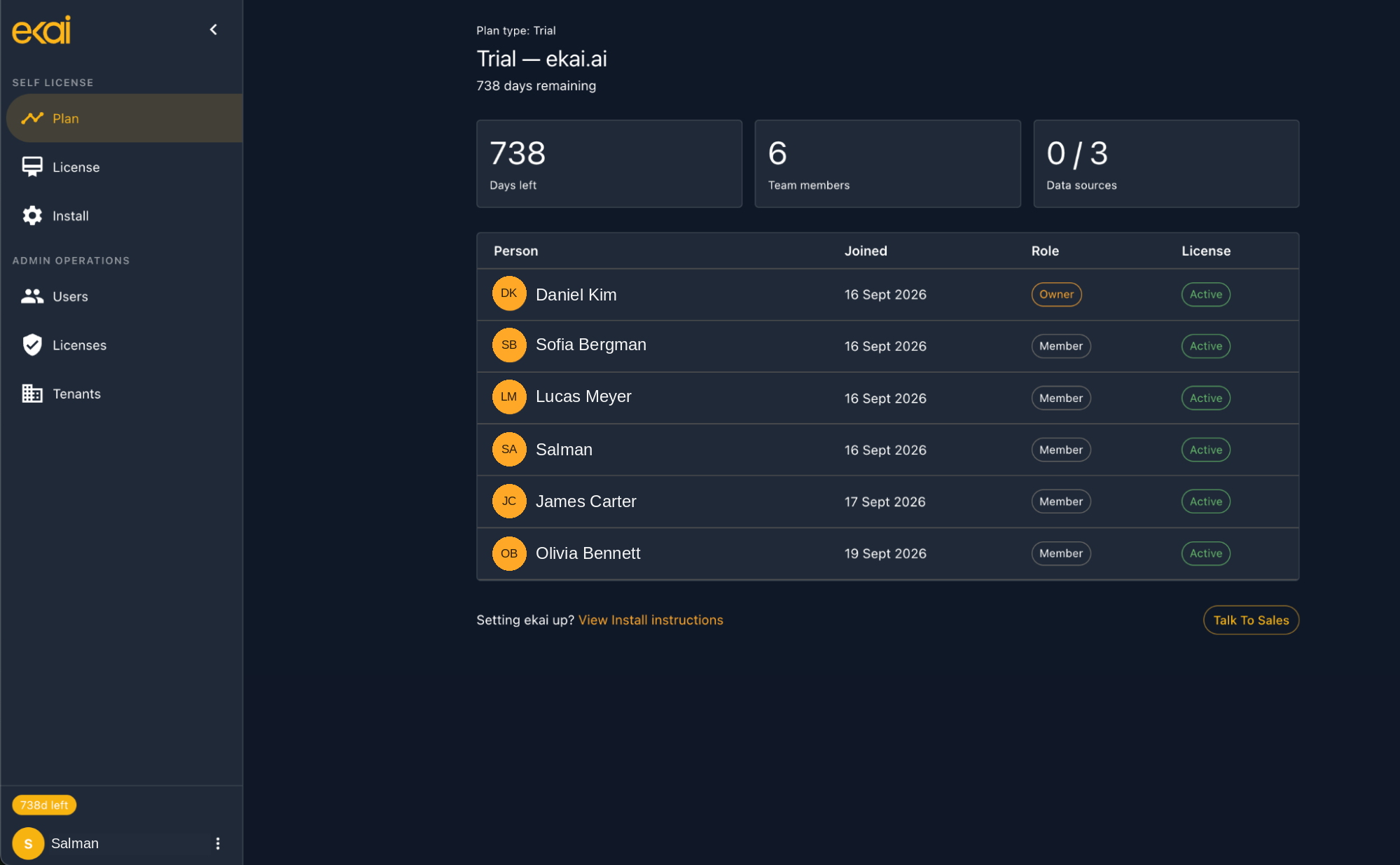
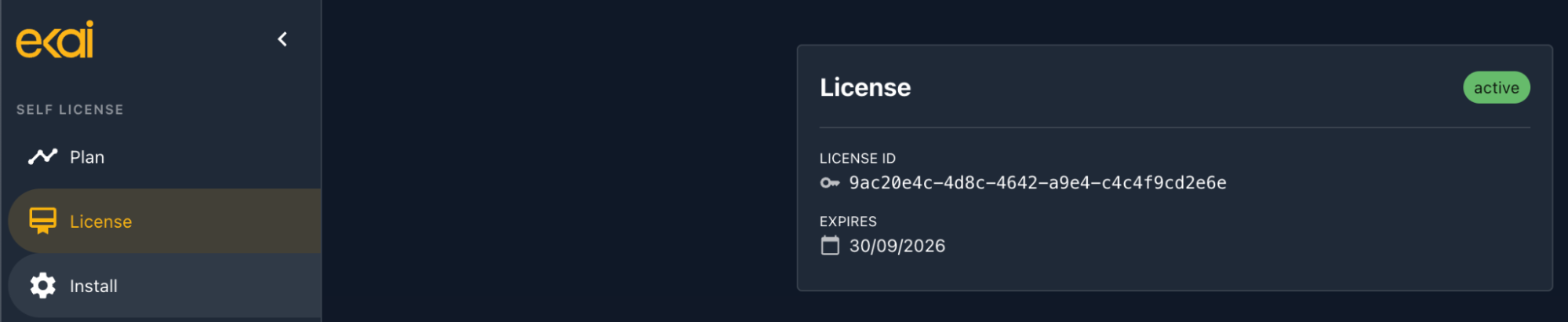
The trial starts as soon as your organization signs up. Anyone joining with the same company email shares that trial. The first person to sign up and install becomes the owner.
To extend, update, or convert to a paid plan, contact sales@ekai.ai or use Talk to Sales in the portal.
Start the install
Once you have signed up, go to licensing.ekai.ai and follow the install instructions shown there.
You will be guided to:
- Grant browser access so your trial can be activated
- Sign in to the licensing portal
- Choose local, AWS, or GCP
- Install any missing tools (when you approve)
Required CLI tools
For local deployment
Docker is the only requirement for local deployment:
- Docker Desktop 20.10+ (macOS / Windows)
- Docker Engine with Docker Compose (Linux)
Install from the official Docker documentation:
- Docker Desktop (macOS / Windows)
- Docker Engine (Linux)
Windows users must use Windows Subsystem for Linux 2 (WSL2). While installing, users must ensure Ubuntu installation as well and then use the WSL shell to execute the installation script.
For AWS deployment
AWS requires several CLI tools. Missing tools can be installed for you during setup when you approve. To install them yourself, use the official documentation:
| Tool | Official documentation |
|---|---|
| Terraform | Install Terraform |
| AWS CLI | Install the AWS CLI |
| kubectl | Install kubectl |
| jq | Download jq |
| dig | Included with bind-tools / dnsutils on most systems, or via your OS package manager |
| htpasswd | Part of apache2-utils (Debian/Ubuntu) or httpd-tools (RHEL/Fedora/macOS Homebrew) |
| openssl | Preinstalled on most systems; otherwise via your OS package manager |
For GCP deployment
GCP requires several CLI tools. Missing tools can be installed for you during setup when you approve. To install them yourself, use the official documentation:
| Tool | Official documentation |
|---|---|
| Terraform | Install Terraform |
| Google Cloud CLI (gcloud) | Install the gcloud CLI |
| gke-gcloud-auth-plugin | Install the GKE auth plugin |
| kubectl | Install kubectl |
| jq | Download jq |
| dig | Included with bind-tools / dnsutils on most systems, or via your OS package manager |
AWS account and permissions
For AWS you will need:
AWS deployment needs a domain or subdomain you own (for example ekai.yourcompany.com) to host the ekai web app after install.
You must be able to configure nameservers for that domain (or subdomain) at your registrar or parent DNS. You might need your domain admin to add the nameservers partway through deployment — AWS's certificate validation is synchronous, so the installer pauses to wait for delegation before continuing.
Step-by-step instructions are in How to delegate a subdomain.
- A domain (or subdomain) you control — see above (domain admin may be needed partway through deployment for nameservers)
- An AWS account with billing enabled
- An authenticated AWS CLI (
aws configure, SSO, or a named profile) with enough access to create one IAM user and two IAM policies — in practice, AdministratorAccess is the simplest way to guarantee this; see AWS Deployment for the precise minimum if your organization prefers a scoped-down identity instead
aws configure
GCP project and permissions
For GCP you will need:
GCP deployment needs a domain or subdomain you own (for example ekai.yourcompany.com) to host the ekai web app after install.
You must be able to configure nameservers for that domain (or subdomain) at your registrar or parent DNS. You might need your domain admin to add the nameservers after deployment completes.
After install you will delegate the zone to Google’s nameservers. Step-by-step instructions are in How to delegate a subdomain. Until that propagates (minutes to hours), the ekai URL may not resolve and HTTPS may fail or show a certificate warning.
-
A domain (or subdomain) you control — see above (domain admin may be needed after deployment for nameservers)
-
A GCP project with billing enabled
-
These roles:
- Compute Admin
- Kubernetes Engine Admin
- Service Account Admin
- Cloud SQL Admin
- DNS Administrator
-
An authenticated gcloud CLI:
gcloud auth login
System requirements
Minimum
- CPU: 4 cores
- RAM: 8 GB
- Disk: 20 GB available
Recommended
- CPU: 8 cores
- RAM: 16 GB
- Disk: 50 GB available
Next steps
- Local deployment — Run ekai with Docker
- AWS deployment — Run ekai in your AWS account
- GCP deployment — Run ekai in your GCP project