Ask Agent Overview
The Ask Agent answers business questions against your published semantic model by querying the warehouse read-only and showing you the result.
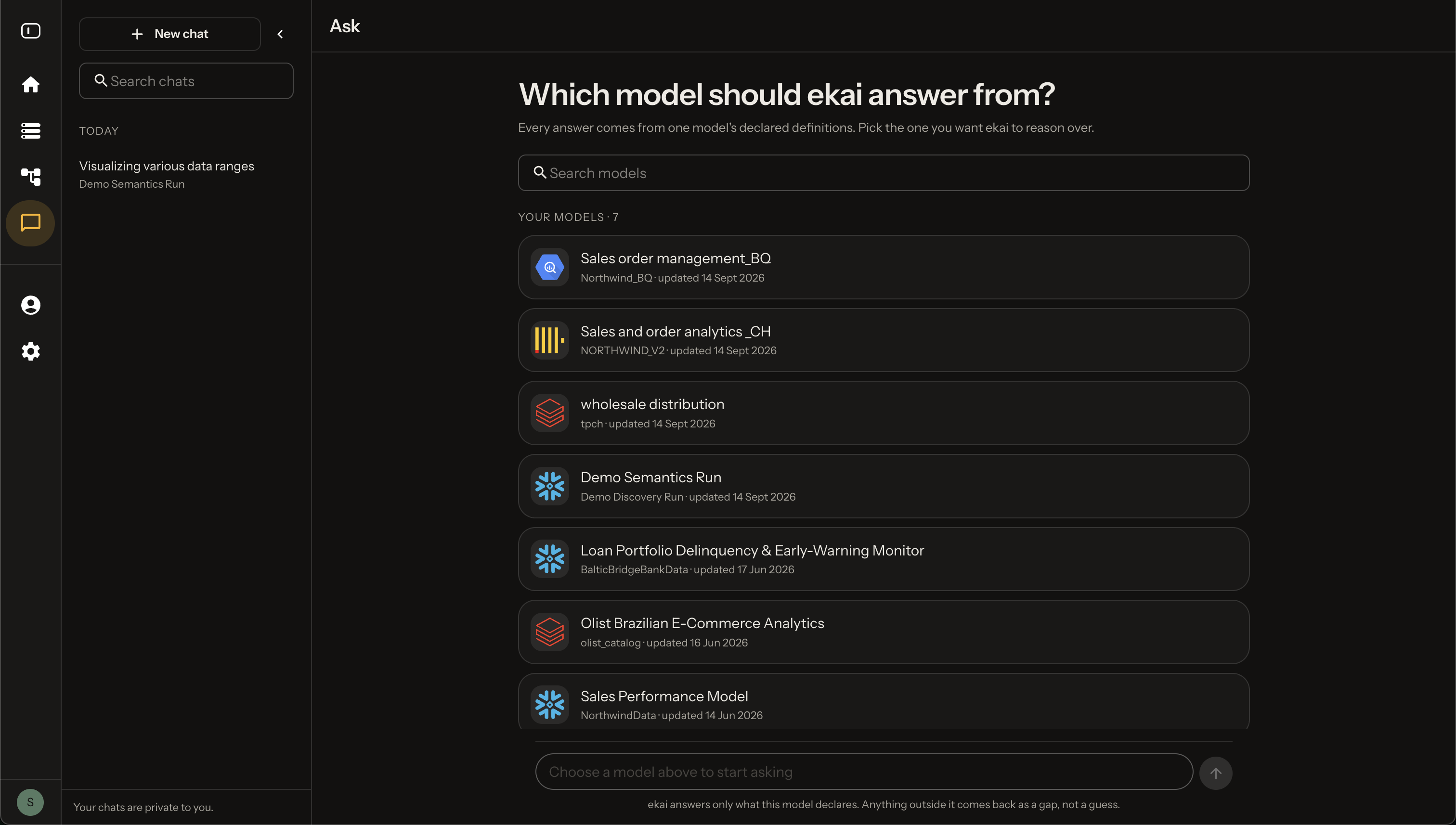
Key principles:
- Every figure is queried, never estimated
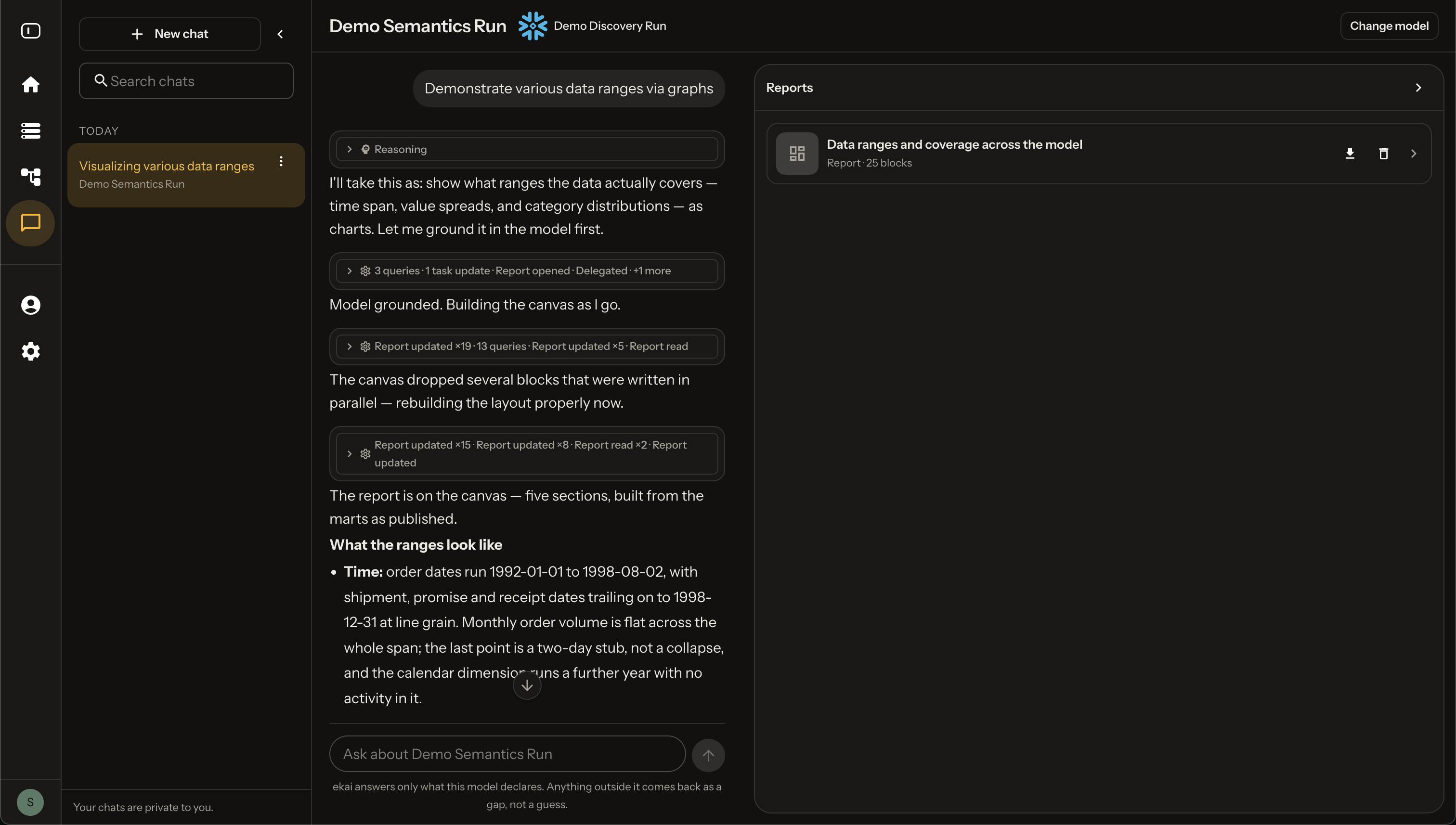
- Every answer is grounded in the model with links to definitions
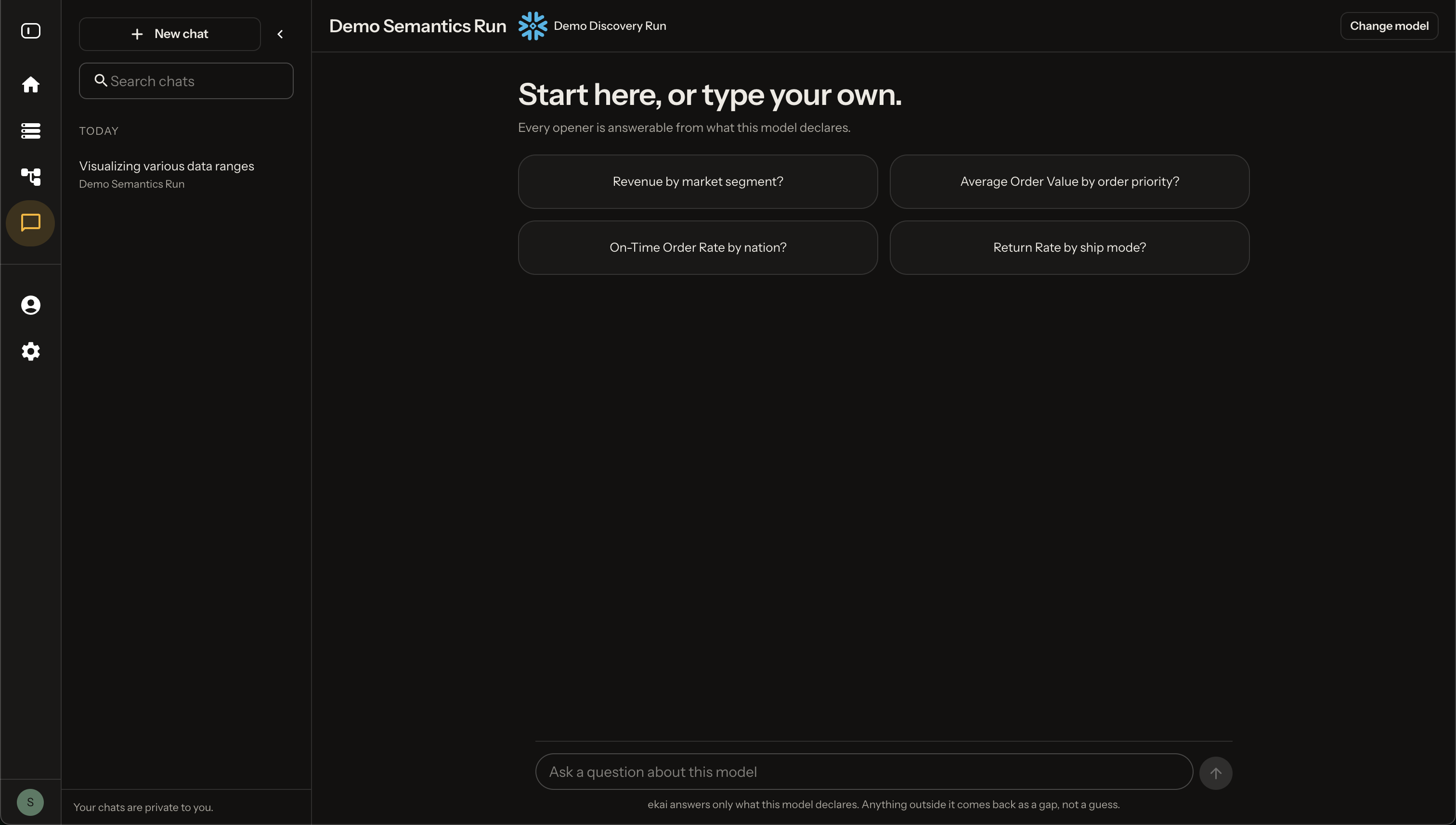
- The answer shape follows the question
How to Ask
Ask in business language — "how many customers have never ordered", not "count dim_customer where has_orders is false".
| You ask | You get |
|---|---|
| A single figure, yes/no, or definition | One sentence |
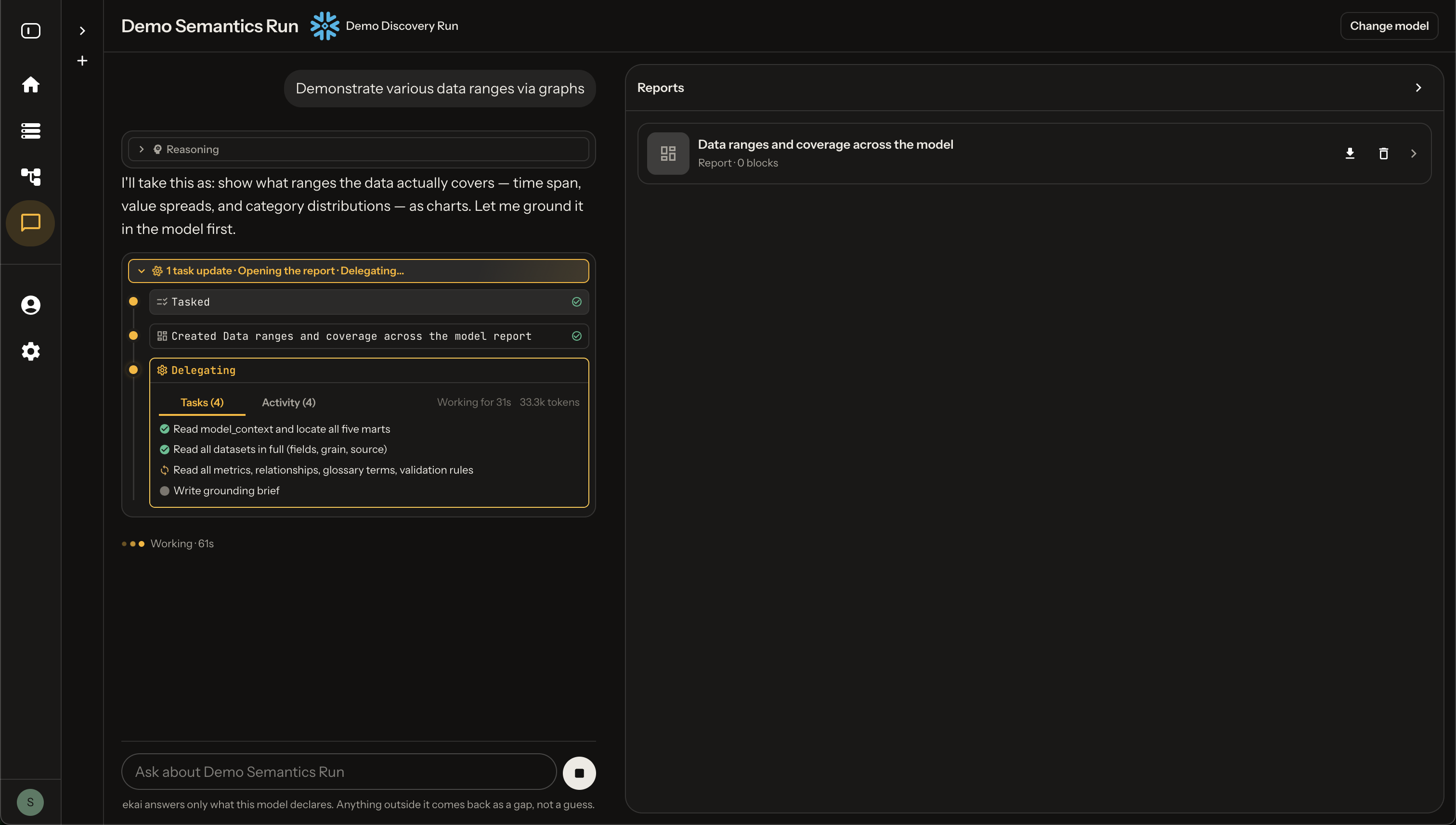
| A list, ranking, trend or comparison | One sentence and one widget in the chat |
| A review, summary, or multiple results | A report canvas beside the chat, filled section by section |
Steering the Answer
Ask for the shape directly — "as a chart", "as a table", "rank it", "put the numbers on the bars", "split it by segment", "compare it to last year", "build me a report".
You can also change what is already on screen: re-sort it, re-band it, add a comparison, drop a section.
When it asks instead of answering: Only when the ambiguity changes the number — which date field, which customer definition, which of two rival rules. Otherwise it takes the obvious reading, says which one, and answers.
Next Steps
- Widget Catalog — See all available visualizations
- Grounding & Citations — How to verify results
- Guardrails — What the agent refuses and why